
Remote maintenance can reduce downtime and give specialists fast access to equipment, but it also creates a path from external or enterprise environments into systems that control physical operations. Remote-access software is attractive to attackers because legitimate tools can provide durable, privileged access while blending into normal administration.
A safer design treats remote maintenance as a temporary, purpose-bound activity rather than a permanent convenience. The path should be unavailable when no approved work is taking place, identities should be attributable to individuals, and the session should be limited and observable from beginning to end.
Key takeaways
The short version
- Remote maintenance should be explicitly approved, time-limited and tied to a defined task.
- Shared vendor accounts and permanently enabled gateways undermine accountability.
- A jump host, least privilege and session monitoring remain necessary while access is active.
- Physical disconnection can remove the maintenance path between service windows.
Understand the remote-access risk
Threats include stolen credentials, compromised vendor environments, vulnerable remote-access products, unmanaged technician laptops and excessive privileges. A legitimate connection can also cause an operational incident through an incorrect change. Security therefore needs both cyber controls and coordination with plant operations.
Inventory every remote path, including VPN concentrators, remote desktop gateways, cellular routers, cloud portals and modems embedded in vendor equipment. An undocumented alternate path can bypass an otherwise careful segmentation design.
Make access a controlled workflow
Require a work request that identifies the asset, technician, purpose, expected duration and responsible site contact. Approval should come from an owner who understands the operational impact. Create access shortly before the task and remove it when the task is complete rather than relying on a calendar expiry alone.
Use named accounts, strong multifactor authentication and role-specific permissions. Vendor staff should not inherit broad access to an OT zone because one device needs service. Where feasible, require an internal operator to supervise or release the session.
Use a brokered architecture
Terminate external access in a controlled zone instead of exposing an OT asset directly. A hardened jump host can apply authentication, restrict tools, record activity and provide a clear boundary between the technician and the target. Firewalls should permit only the endpoints and protocols required for the task.
Keep the management of remote access separate from ordinary production accounts. Patch and monitor the gateway, protect stored credentials and review logs. CISA guidance notes that remote-access software is increasingly abused by threat actors, so approved tools should be inventoried and unauthorised alternatives detected.
Remove the path between service windows
Disabling an account or firewall rule reduces access, but the infrastructure remains connected. For high-consequence systems with infrequent maintenance, a physical break can add an independent state: no Ethernet path exists until the authorised window begins.
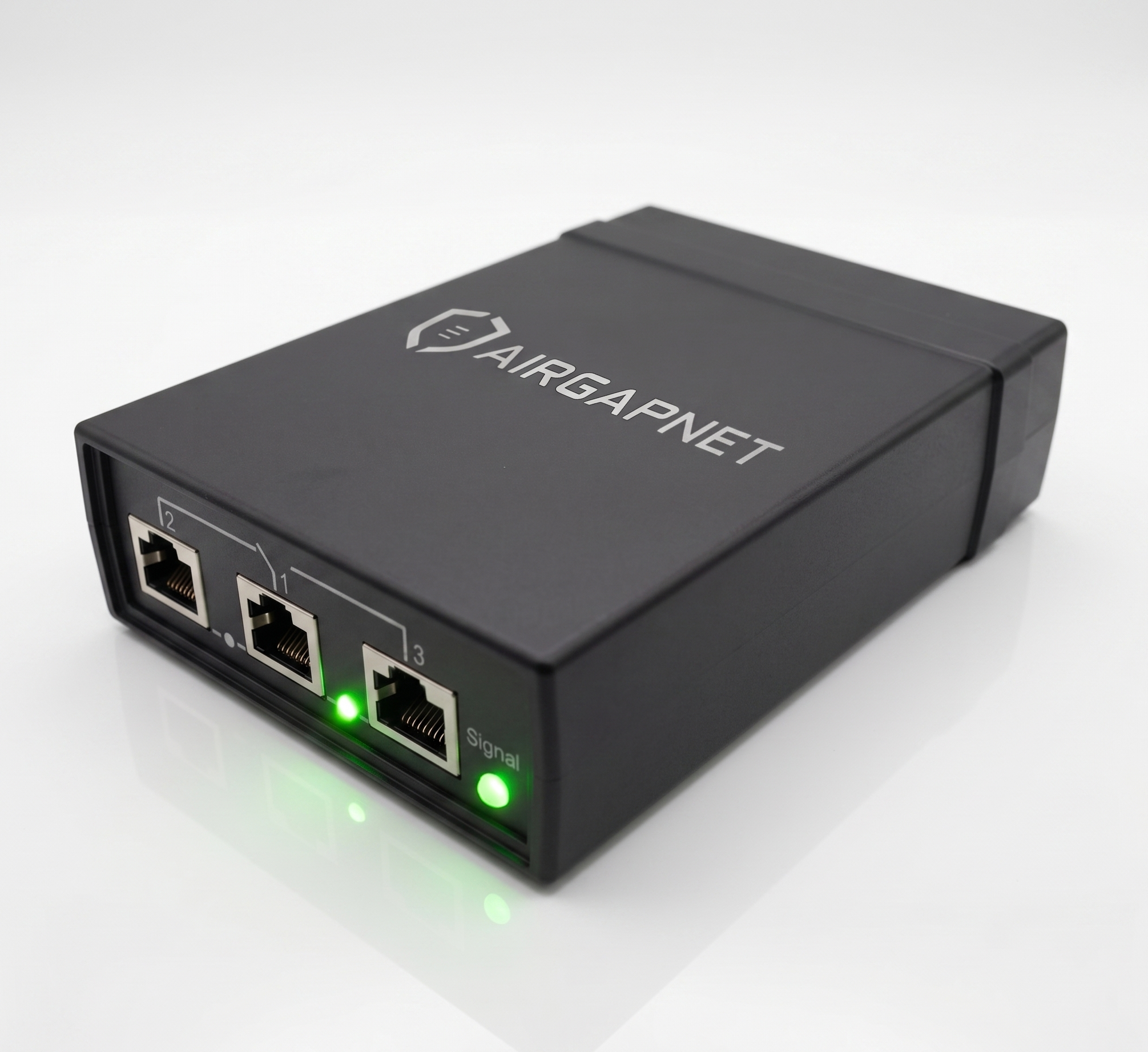
AIRGAPNET can support this disconnected-by-default model. Its separate cellular control path is intended to authorise the Ethernet connection without depending on the protected network. The VPN, jump host, identity checks and session restrictions still apply after the physical path is enabled.
Close and review every session
End the session, remove temporary privileges, close the network path and confirm the device state. Record changes made, files transferred and any unexpected behaviour. Where possible, compare configuration before and after maintenance.
Regularly review whether each remote path is still needed. Test emergency revocation and the fallback process for urgent maintenance when the normal authorisation service is unavailable. A secure design must remain workable during the conditions that make remote support most valuable.
Collect evidence without exposing the zone
Useful records include the request, approval, user identity, source device, target asset, connection-state changes, session start and end, commands or screen recording where proportionate, files transferred and configuration changes. Synchronise time across the systems so events can be reconstructed accurately.
Store evidence outside the technician's control and protect it according to its sensitivity. If logs must leave a restricted OT zone, use a narrowly designed export path rather than enabling broad management access. Review high-risk sessions promptly and sample ordinary sessions to confirm that policy reflects real work.
Monitoring must also respect privacy, employment law and contractual commitments. Tell users what is recorded, restrict access to the evidence and retain it only as long as justified by security and compliance requirements.
Agree in advance which events trigger immediate intervention: access to an unapproved asset, use outside the work order, unexpected file transfer or an attempt to keep the path open. Evidence is valuable only when someone is responsible for responding to it. Review those response thresholds after exercises and real maintenance sessions.
Decision checklist
Questions to resolve before implementation
- Inventory vendor, employee and embedded remote-access paths.
- Require a named user, approved task, target asset and time window.
- Broker sessions through a hardened, monitored access point.
- Limit protocols, privileges and reachable targets to the task.
- Physically remove infrequently used paths where operations allow it.
- Close access, document changes and review session evidence.
Common questions
Questions teams ask first
Is a VPN enough for secure OT maintenance?
A VPN protects a communication channel but does not by itself limit the technician, target, tools or duration. Add individual identity, least privilege, a controlled access point, monitoring and operational approval.
Why disconnect remote access physically?
For paths used only occasionally, physical disconnection removes network reachability between approved windows and reduces dependence on a software rule remaining correct. It is an additional layer, not a replacement for session controls.
What about emergency support?
Define and test a break-glass procedure before an emergency. It should preserve accountability, use the minimum necessary access and include a mandatory review after use.
Official references